
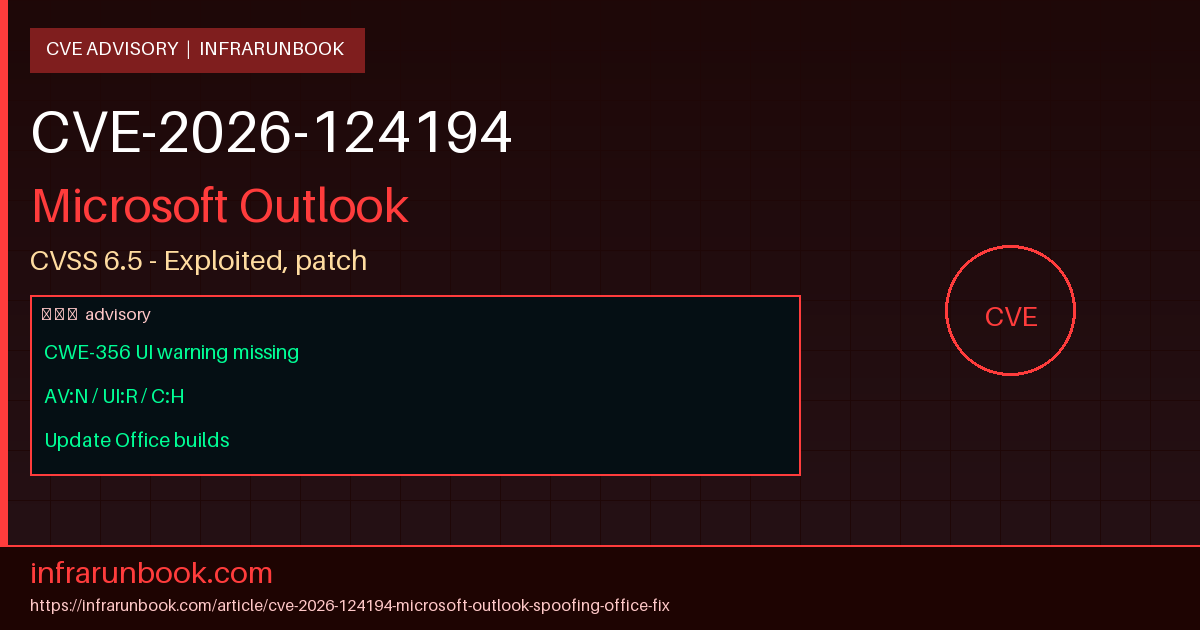
At a glance
- CVE ID(s): CVE-2026-124194
- Severity: CVSS 3.1 score 6.5, MEDIUM. Vector: CVSS:3.1/AV:N/AC:L/PR:N/UI:R/S:U/C:H/I:N/A:N/E:U/RL:O/RC:C
- Vendor / product: Microsoft / Microsoft Outlook (Microsoft Office). Listed products: Microsoft 365 Apps for Enterprise, Microsoft Office LTSC 2021, Microsoft Office LTSC 2024 (32-bit and x64)
- Affected versions: Microsoft 365 Apps for Enterprise: from 16.0.1, upper bound given only as the Office security releases page (https://aka.ms/OfficeSecurityReleases). Office LTSC 2021: 16.0.1 up to but not including 16.0.14334.21048. Office LTSC 2024: 16.0.0 up to but not including 16.0.17932.21140.
- Fixed / patched versions: Office LTSC 2021: 16.0.14334.21048. Office LTSC 2024: 16.0.17932.21140. Microsoft 365 Apps for Enterprise: Not stated in the advisory - check the vendor page
- Exploited in the wild: Yes - listed in CISA KEV
- Attack vector: Network. No authentication needed (PR:N). User interaction required (UI:R).
- Published by: Microsoft (CNA), 2026-11-10
- Official advisory: MSRC Update Guide: CVE-2026-124194
What is this vulnerability?
CVE-2026-124194 is a spoofing vulnerability in Microsoft Outlook, part of Microsoft Office. The record describes it this way: the product UI does not warn the user of unsafe actions. An unauthorized attacker can use this to perform spoofing over a network.
The weakness is classified as CWE-356, which covers a product UI that fails to warn users about unsafe actions. In plain terms, Outlook lets the user do something risky without telling them it is risky. A user who is not warned can be tricked into acting on content they should have been alerted about.
The advisory text is short. It does not describe the exact trigger, so do not assume details beyond what is stated here.
How does it affect you?
The CVSS vector shows high confidentiality impact (C:H) and no integrity or availability impact (I:N, A:N). The attack is over the network, with low complexity, no privileges and no authentication. It does need the user to do something (UI:R). Scope is unchanged.
Realistic risk: the base score is only Medium, but this CVE is listed in CISA's Known Exploited Vulnerabilities catalog. That means exploitation has been observed. Treat it as higher priority than the score alone suggests.
Note one mismatch. The vector carries a temporal exploit-code-maturity value of E:U (unproven). That reflects the vendor's scoring at publication. The KEV listing is the stronger signal. Plan on the basis that it is being used in attacks.
The vendor record does not say what data is exposed or how an attacker would use the spoofing. Ransomware use is not flagged for this CVE.
Who is affected?
The affected products in the record are:
- Microsoft 365 Apps for Enterprise (32-bit and x64)
- Microsoft Office LTSC 2021 (32-bit and x64), versions from 16.0.1 below 16.0.14334.21048
- Microsoft Office LTSC 2024 (32-bit and x64), versions from 16.0.0 below 16.0.17932.21140
For Microsoft 365 Apps for Enterprise, the record gives no fixed build number. It points to https://aka.ms/OfficeSecurityReleases. Fixed version: Not stated in the advisory - check the vendor page.
Any user who runs Outlook from these builds is in scope. That includes shared mailboxes on desktops, RDS/VDI hosts and admin workstations. Other Office editions are not listed in the record. Do not assume they are safe or affected. Confirm on the vendor page.
How to check if you are vulnerable
- Find the Office build on each endpoint. In an Office app, open File, then Account, and read the version and build under the About section.
- Match the product channel. For Office LTSC 2021, you are vulnerable if the build is below 16.0.14334.21048. For Office LTSC 2024, you are vulnerable if the build is below 16.0.17932.21140.
- For Microsoft 365 Apps for Enterprise, open the Office security releases page at aka.ms/OfficeSecurityReleases, find the build for your update channel that fixes CVE-2026-124194, and compare.
- Use your endpoint management or inventory tool to report Office build numbers across the fleet. Sort by oldest build first.
I am not giving a command line here because the exact syntax depends on your management tooling. Use your software inventory tool to pull the build.
How to fix and recover
- Apply the Microsoft Office update for your product. Use the MSRC advisory to find the right update for each product.
- Target builds: Office LTSC 2021 at 16.0.14334.21048 or later. Office LTSC 2024 at 16.0.17932.21140 or later. For Microsoft 365 Apps for Enterprise, use the fixed build listed for your channel on the Office security releases page.
- Restart Outlook and the other Office apps after the update so the new build loads.
- Verify. Re-check the build under File, then Account, on a sample of machines. Confirm your inventory shows no builds below the fixed ones.
Because exploitation is known, do some follow-up too. The advisory does not say how exploitation looks, so this is general hygiene and not a vendor instruction:
- Review mail gateway and Outlook-related logs for the period before you patched. Look for unusual messages that users acted on.
- Ask users who reported odd or suspicious mail whether they clicked or approved anything.
- If a user acted on a suspicious message, consider resetting that account's credentials and reviewing its sign-in activity. Confidentiality impact is rated high, so assume data could have been read.
Workarounds and mitigations
The advisory lists no workarounds and no separate solutions. The fix is the update.
While you roll out patches, you can reduce risk with general measures. These are not vendor-stated mitigations for this CVE:
- Remind users not to act on unexpected messages or prompts in Outlook.
- Prioritise patching for executives, finance and admin users.
- Keep mail filtering rules strict for external senders.
What to monitor
- Office build numbers across the fleet, until every machine is at or above the fixed build.
- The MSRC advisory page for updates, including a fixed build for Microsoft 365 Apps for Enterprise.
- The CISA KEV catalog entry for this CVE, for any remediation due date that applies to you.
- User reports of suspicious mail or unexpected Outlook behaviour.
- Sign-in logs for accounts of users who interacted with suspicious messages.
References
- https://msrc.microsoft.com/update-guide/vulnerability/CVE-2026-124194 (vendor advisory, patch)